

Nifty 50 Stock List explained with full sector breakdown, company details, and how to track all 50 stocks in Excel using MarketXLS formulas for price, PE ratio, market cap, and dividend yield.
Stock Analysis
Expert insights on stock market analysis, investment strategies, and Excel techniques for smarter investing.
Browse articles by topic, arranged in reading order.
Nifty 50 Stock List explained with full sector breakdown, company details, and how to track all 50 stocks in Excel using MarketXLS formulas for price, PE ratio, market cap, and dividend yield.
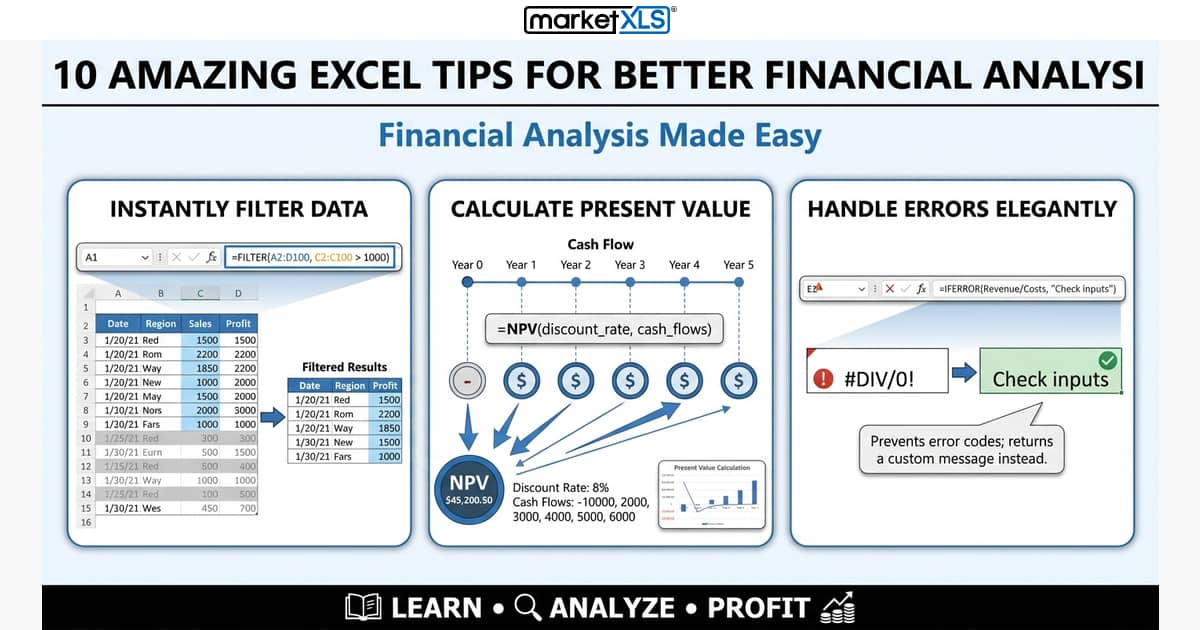
Ten Excel techniques for financial analysis: FILTER dynamic arrays, XLOOKUP, slicers, Power Query, data tables, conditional formatting, IFERROR, array formulas, named ranges, and VBA.

MarketXLS 9.3.5 (September 2023) added options order flow summary functions, unusual options activity scans, and historical option chains in Excel.

MarketXLS 9.3.4.9 adds end-of-day data for VIX, S&P 500, Nasdaq Composite, Dow Jones, and Nasdaq-100, plus the ExpirationNext and StrikeNext option functions.

Option traders in the US cluster in cities with strong financial ecosystems, educated workforces, and active trading communities. Discover the top 10 cities and the tools professional option traders rely on.

Ten YouTube channels for learning options trading (as of July 2023): Option Alpha, TheChartGuys, Sky View Trading, projectfinance, tastylive, and more.

Ten common options strategies: long call, long put, covered call, protective put, bull call and bear put spreads, strangle, iron condor, straddle and butterfly.

Portfolio rebalancing moves a drifted portfolio back to its target weights. Learn when to rebalance and how to calculate the trades in Excel with MarketXLS.

A balanced portfolio sets a stock/bond/cash mix from your risk tolerance and time horizon, caps single positions, and rebalances. Common rules and an Excel workflow.

Calculate stock and portfolio volatility in Excel with MarketXLS functions such as StockVolatilityCustomDates and PortfolioVolatility, plus a free volatility calculator template.

Binomial option pricing model explained with step-by-step Excel implementation. Learn CRR model theory, build pricing trees, compare with Black-Scholes, and use MarketXLS for real-time inputs.

Excel stock history formula options let you pull historical prices, calculate returns, and analyze trends directly in your spreadsheet. Learn every method with real formulas.

How the MarketXLS Excel add-in tracks stocks with formulas like =Last and =Volume, how it differs from Excel's built-in Stocks data type, and how to set it up.

A stock data Excel add-in adds formulas like =Last("AAPL") that pull quotes, historical prices, fundamentals, and options chains into Excel cells.

Why employees with stock options should check how their other holdings correlate with their employer's stock, and how to measure it in Excel.

Covariance measures how two stocks move together. How to calculate it in Excel with COVARIANCE.S, read the sign, and use it to diversify.
Live market data, stock screening, options analytics and portfolio management inside Excel.