
Features

Explore MarketXLS data and analysis tools in Excel
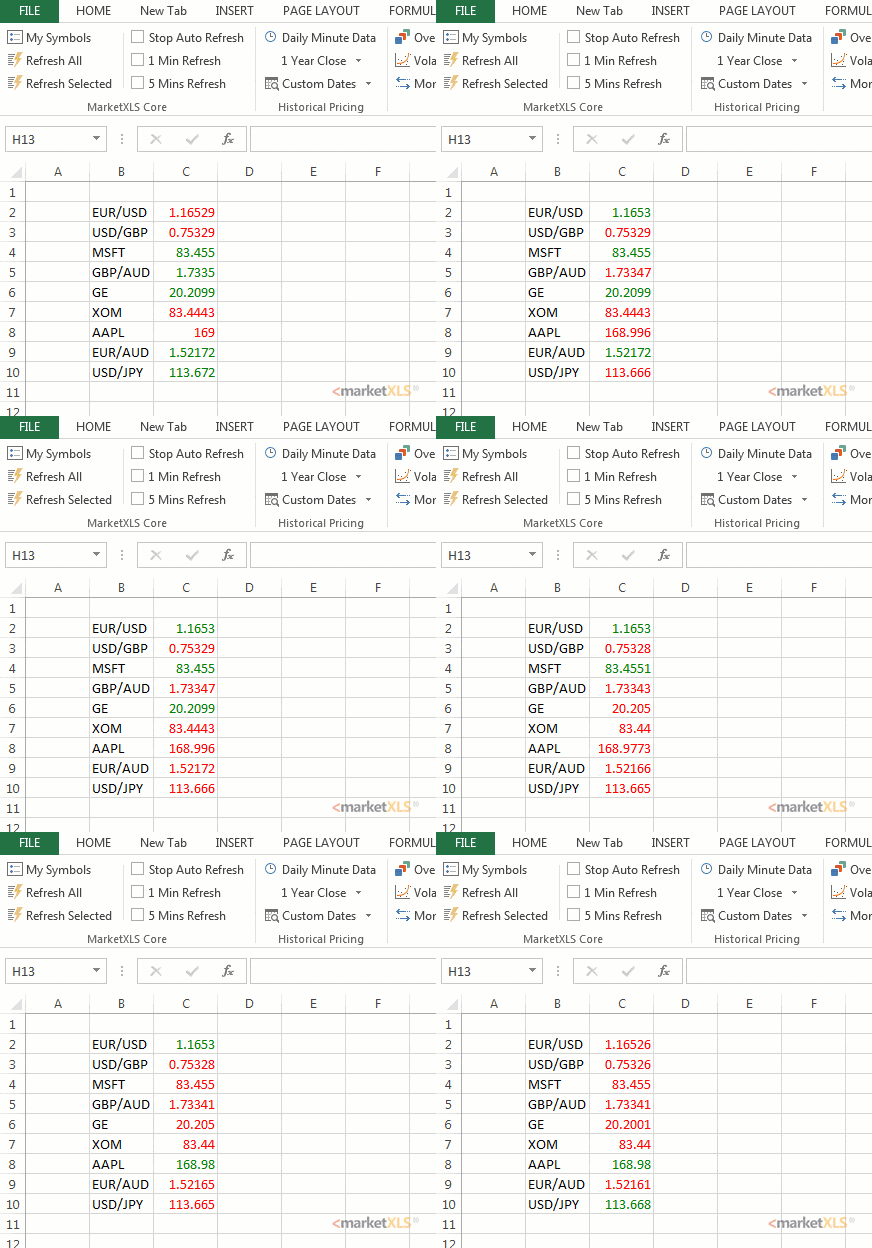
Stream Live Stock Data or Refresh on Demand
Get stock quotes, historical prices, and fundamentals with MarketXLS formulas. Real-time access depends on your data plan and exchange permissions.
Browse formulas
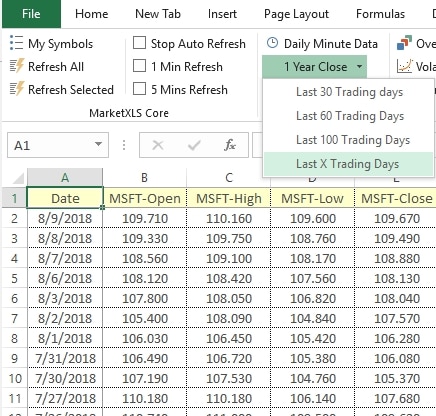
Historical Data
Bring historical prices into Excel for return calculations, comparisons, and charts. Browse the function reference for syntax and availability on your add-in.
Historical prices guide

Track holdings, compare performance, and explore portfolio analysis tools and workbook templates.
Portfolio manager


Perform technical analysis like pros
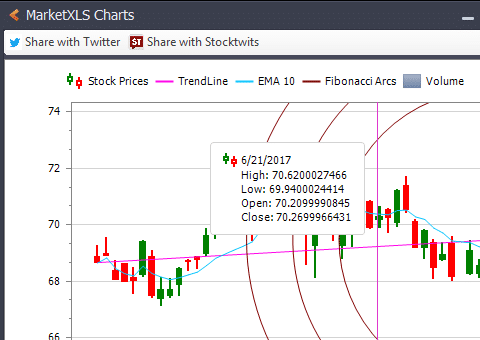
Calculate technical indicators in Excel and combine them with your own formulas and charts.
Technical indicators
Ever growing list of Utilities, templates and models
Start with prepared workbooks for valuation, screening, and portfolio analysis, then adapt them to your research.
Browse templates

Market data coverage and subscriptions
Check available markets, exchange permissions, and data subscriptions before building your workbook. Coverage and real-time access vary by plan and provider.
Data plans
Help and support
Find installation guides, formula examples, and troubleshooting steps in the documentation, or contact the MarketXLS support team for help with your account or workbook.
Contact support
Call: 1-877-778-8358 
I'm Ankur, the founder and CEO of MarketXLS. Our team can demonstrate how MarketXLS brings market data and research tools into Excel.
Book a demo with our team to explore the features and workflows relevant to your research.
Book a demo with our team to explore the features and workflows relevant to your research.
Implement "your own" investment strategies in Excel with thousands of MarketXLS functions and templates.
I use MarketXLS to manage my personal portfolio. I can easily pull in stock quotes, betas, and dividends. I also like to access historical closing prices on a particular date. That makes tracking performance easy.
I have used lots of stock and option information services. This is the only one which gives me what I need inside Excel.
I can now concentrate on manipulating financial data, valuing stocks and making investment decisions, rather than hacking around with VBA or copying and pasting data from websites.
I have been using MarketXLS for the last 6+ years and they really enhanced the product every year.
I Love My MarketXLS. The market speaks to you when you know how to listen. With MarketXLS, the market truly does speak. Patterns emerge. Pricing behavior becomes clearer.